

A QR code can give a customer a quick route to a menu, booking page, contact card, Wi-Fi network or other destination. The useful part is the destination and the moment you offer it—not a promise that the code will increase sales. Choose one clear action, make the destination easy to use on a phone, and test the printed code before ordering a large batch.
Start with one customer task
Pick a single destination that answers a real customer need: a current menu, opening hours, booking page, contact details or a Wi-Fi network. Keep the destination current and readable on a phone. A QR code is a shortcut to information; it does not create the offer or measure whether the customer bought something.
Create and test before printing
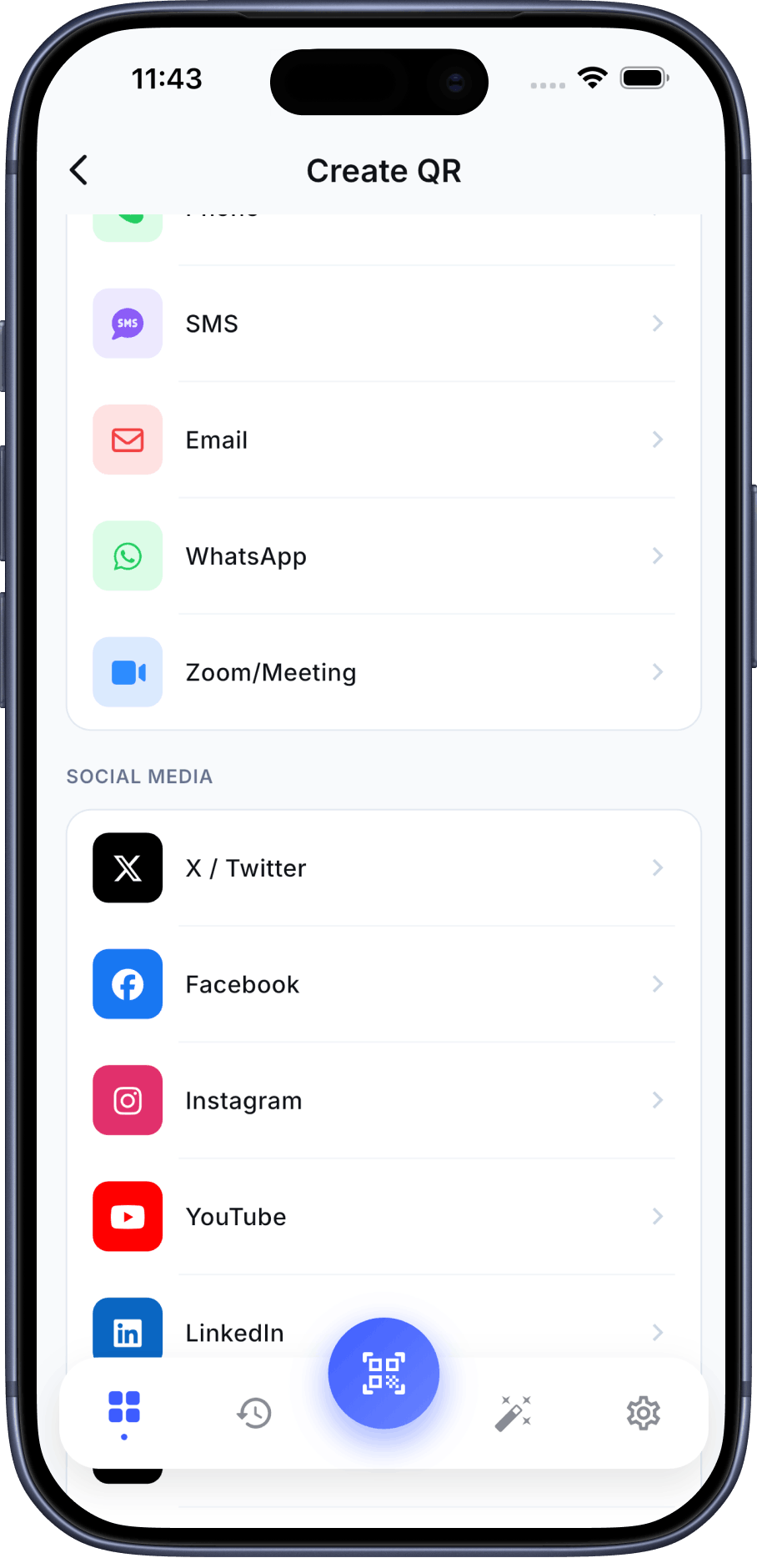
QR Pulse’s Google Play listing describes QR creation for common content types and visual customization. Check the generated preview, scan it with a phone camera, confirm the destination, and test a printed sample at the size and distance customers will use.
Choose a placement that explains itself
Place the code near the relevant decision: a menu at a table, a booking link at reception, or contact details on a card. Add a short label such as “View today’s menu.” Keep the code visible, flat, well lit and large enough to scan. DENSO WAVE notes that damage or deformation can interfere with reading; appearance alone cannot guarantee scan reliability.
Measure only what your setup can observe
A QR code itself does not tell you how many people scanned it. If you control a web destination, Google Analytics campaign parameters can help attribute recorded visits to a source or placement. They do not measure every scan or prove revenue or return on investment. QR Pulse’s publisher listing mentions scan history; local history is not public campaign analytics.
Protect customer and network information
Avoid encoding information that should not be public. A Wi-Fi QR code can contain network credentials, so share it only where you intend to grant access. For a URL, inspect the destination before printing and tell customers where the code leads.
Frequently asked questions
Can a QR code prove that my promotion increased sales?
No. A scan or attributed site visit is not a sale. To evaluate sales, you need a suitable measurement setup that connects visits to a completed transaction and accounts for its limits.
Does QR Pulse show public scan counts?
The public publisher listings describe scan history. They do not establish that this is a public analytics dashboard or a way to measure scans across customers. Confirm the current in-app behavior before making that claim.
Should I add a logo to every code?
Not automatically. Added graphics can interfere with reading. Test the exact code on multiple phones, at the final printed size, before distributing it.
Sources
- QR Pulse on Google Play (publisher-supplied feature description)
- QR Pulse on the App Store (publisher-supplied feature description)
- DENSO WAVE: QR Code error correction
- Google Analytics: URL builders and campaign parameters