

A social media QR code is a shortcut to a profile or page. Before printing one, make sure it opens the account you intend, works when the viewer is signed out if that matters, and has a short label explaining where it leads. A QR code can make a profile easier to reach; it cannot guarantee followers, engagement or sales.
Choose the profile destination
Copy the public URL for the exact profile or page you want people to visit. Check the spelling, account identity and visibility. Platform links can change, and some destinations may require sign-in or the platform’s app.
Generate and verify the code
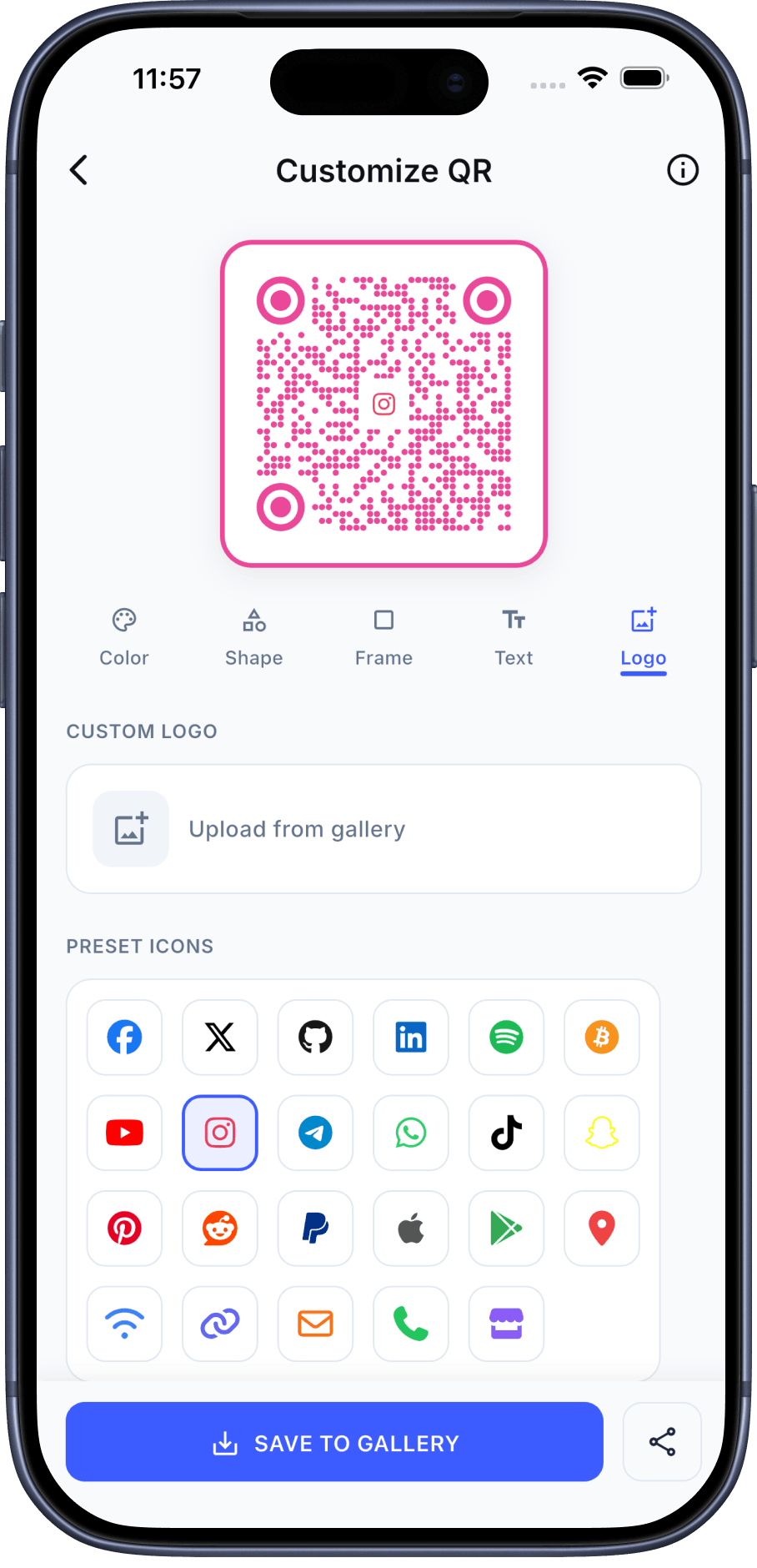
QR Pulse’s Google Play listing describes social-profile QR creation. It does not identify every supported platform or confirm the current interface. Enter or select the destination in the current app, generate the code, then scan it and confirm the resulting URL before sharing.
Make the next step clear
Place the code where someone can pause and scan it. Add a concise callout such as “Follow our updates” only if that accurately describes the destination. Keep enough contrast and surrounding whitespace, and avoid decorations that cover the code. Test the final printed size on more than one device.
Track visits without promising outcomes
A QR code does not report followers or engagement by itself. If you control a landing page, analytics parameters may help distinguish recorded visits from different placements. They do not prove that a visitor followed the profile, and the social platform’s own reporting is separate.
Keep the destination current
Check the printed code periodically and when the account URL changes. If the code is static, changing its destination may require making a new code and replacing printed materials. QR Pulse’s current Google Play listing describes QR creation but does not establish whether a particular social code is static, editable or trackable; confirm the chosen workflow before relying on it.
Frequently asked questions
Will a social QR code increase followers?
It can reduce the steps needed to open a profile, but it cannot guarantee visits, follows or engagement.
Can I use one code for every social platform?
A single code points to the destination you encode. A multi-link landing page is a separate destination and must be maintained.
Does QR Pulse support every social network?
The listings describe social-profile QR creation but do not establish a complete platform list. Confirm the current app options before naming supported networks.
Sources
- QR Pulse on Google Play (publisher-supplied feature description)
- QR Pulse on the App Store (publisher-supplied feature description)
- Google Analytics: URL builders and campaign parameters
- DENSO WAVE: QR Code error correction